













By Anna-Kaisa Walker
Keep your laptop off your lap
Although it’s called a laptop, it’s not actually a good idea to use it on your lap, pillow or any soft surface that can block airflow. Your computer needs that flow to prevent damaging heat from building up inside the case.
Tape it
Are you among the six in 10 laptop users who cover their webcams? It’s not paranoia: hackers in Canada and the United States have been charged with recording people via malware. A piece of tape over your camera can prevent them from spying. This is one of the best computer tips users can practice, and it’s inexpensive too.
The fewer tabs, the better

If you have multiple tabs open, you may be slowing down your browser by using too much RAM (the hardware inside your machine that stores and retrieves information). The maximum number of tabs you should have open is nine.
Shut down your laptop every night
“Even while it’s asleep, it’s still using the battery,” says Ami Moyal, co-founder of the Gadget Guides, a computer training service for seniors in Toronto. Batteries can live for a limited number of charge cycles. If it’s always in use, your battery will degrade faster over time.
Avoid damage
Safeguard your tech by investing in a surge-protecting power strip, and replace it after any major electrical event (such as a thunderstorm that causes a power outage).
Don’t do too much too fast
If booting up your computer is like wading through molasses, “you might have too many programs trying to run at start-up,” says Vuso Moyana, an owner at Seniors Tech Services in Toronto.
There’s such a thing as too much protection
“You only need one antivirus program,” says Moyana. “I often see clients with two or three running at the same time, which uses a huge amount of resources.”
Stick to regular cleaning
Here’s one of the most important computer tips, and something users may be unaware of: The top killer of a desktop or laptop is overheating caused by debris inside the hardware. Every three to six months, use a can of compressed air to blow dust out of your laptop’s vents, or use a vacuum hose against your desktop tower’s vent.
Spilled coffee? Don’t panic
Just act quickly. “Your computer could short-circuit, so you should immediately unplug the cable and push the power button to turn it off,” Moyana says. Remove the battery, mop up the liquid and turn the laptop upside down to drain for 24 hours. Then get a professional assessment.
Spring-clean your computer
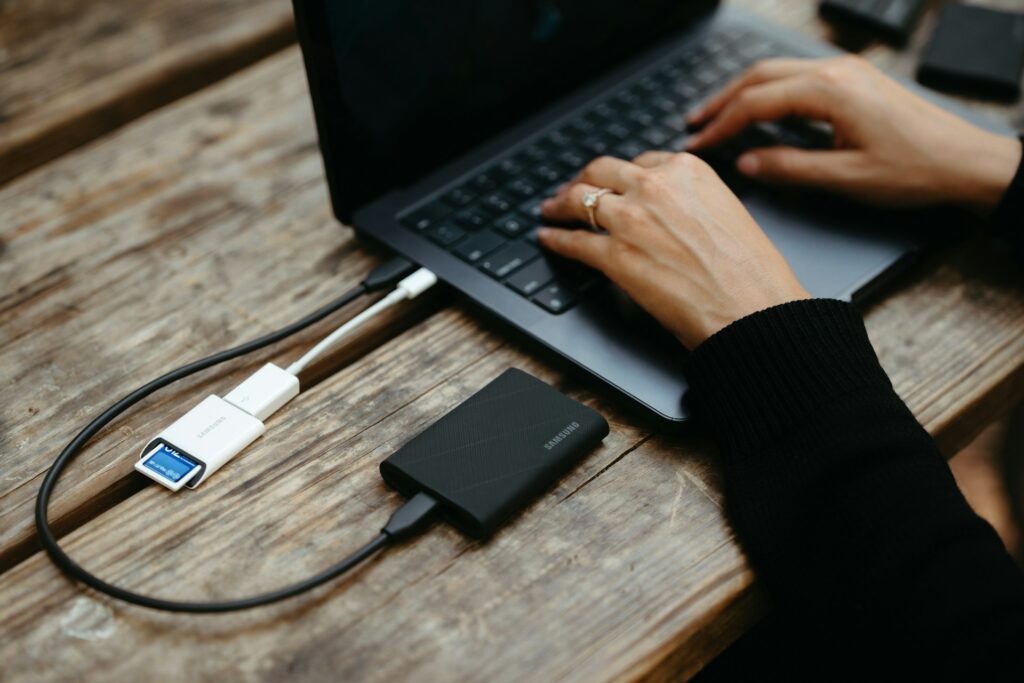
Move files to an external drive. Aim to have at least 15 to 20 percent capacity left on your hard drive, Moyana says; once you’ve used over 90 percent, your computer will start to slow noticeably.
Extend the life of your battery
Use these simple tweaks: dim the energy-sucking screen, switch off the wi-fi and Bluetooth when you don’t need them and turn off peripherals like USB sticks and webcams.
The simplest fix actually works
Turning your computer off and on again really can fix many problems. The process sweeps the current state of your software clean, clearing away any errant code.
Don’t stress over warranties
Sales staff may push extended warranties, but are they worth it? Often, the cost of a repair is about equal to the cost of the plan. In the first year, you may even be doubling up on coverage—some big-box retailers refer you to the manufacturer for a warranty claim, even though you’ve paid for three years of the store’s plan.
Originally published at Reader’s Digest Canada